
Digital Construction Diary: Document the site as you go, so it holds up later
Photos with room context, notes that link the rest, defects and tasks with an assignee. Together they form a running project record. kontekst does not replace a formal construction diary with weather, attendance, and signatures.
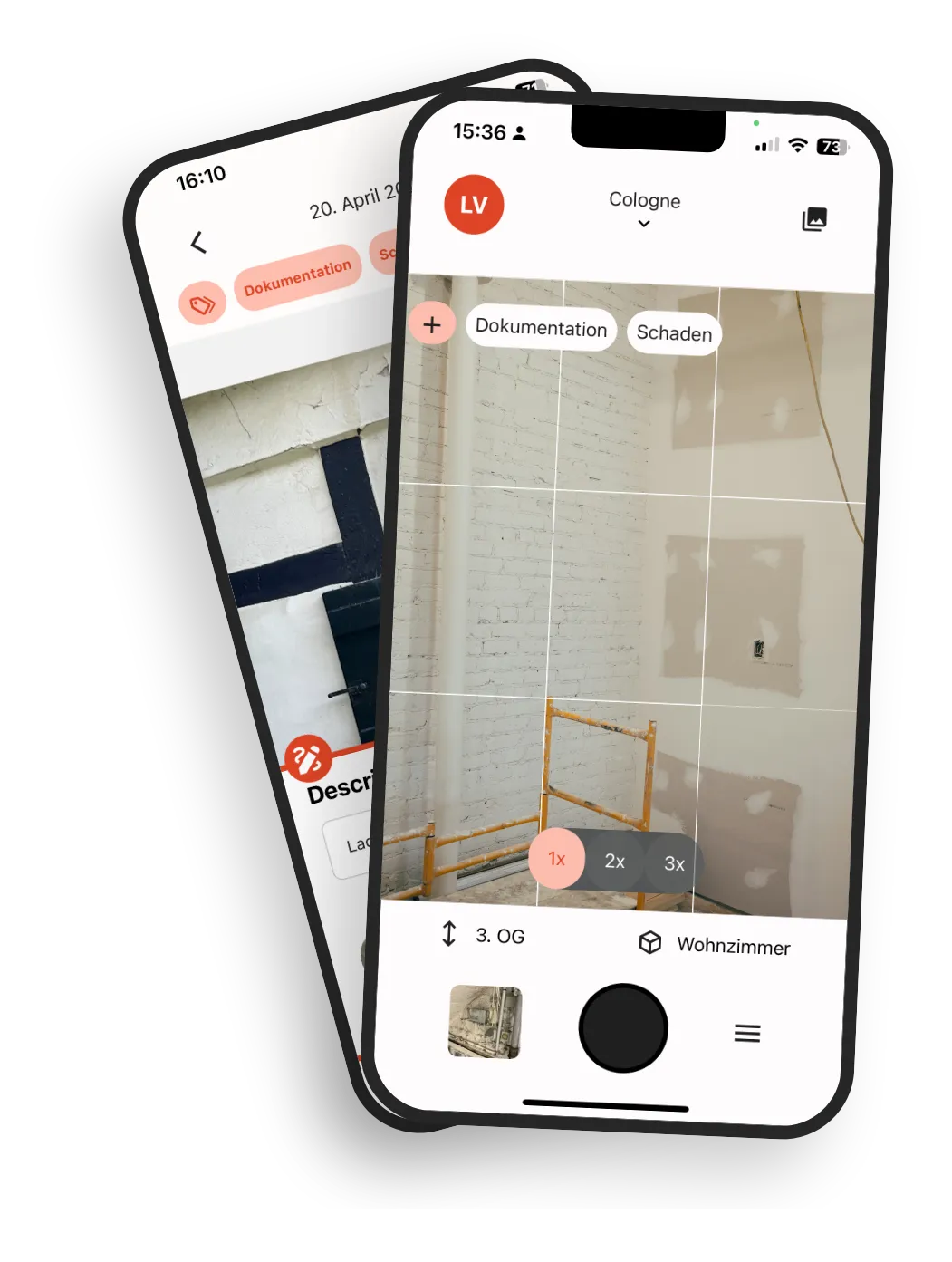
Site documentation often happens on the side, and the gap shows up later
A site day is full. Documentation happens between meetings: in chats, on scraps of paper, in someone's head. The gap only becomes visible when someone asks about it months later.
Friday: piecing the weekly report together
The report gets reconstructed in hindsight from chats, photos, and memory, because the information is scattered across the week.
"Where was that again?"
The February photo from room 2.03, the note from March, the verbal commitment from a site walk. Stored separately, scattered across folders, chats, and devices, hard to find later.
Six months later: a dispute
Handover, warranty, claim. Without a closed timeline, there's no foundation for solid evidence.
The problem is rarely missing documentation, but missing daily context: what was decided when, who was there, what was supposed to happen next.
How your site timeline takes shape with kontekst
In three steps, notes, photos, and defects turn into a running project record.
Set up the project, upload a plan
Start with a PDF floor plan or a simple room structure. You set it up on your own, no appointment needed.
Document as you go
Capture photos, notes, defects, and tasks directly on site. Date, person, and room are saved with each photo.
The record keeps growing
From groundbreaking to handover, a continuous project history takes shape. Readable for everyone you invite as a team member, including the client, planners, or subcontractors.
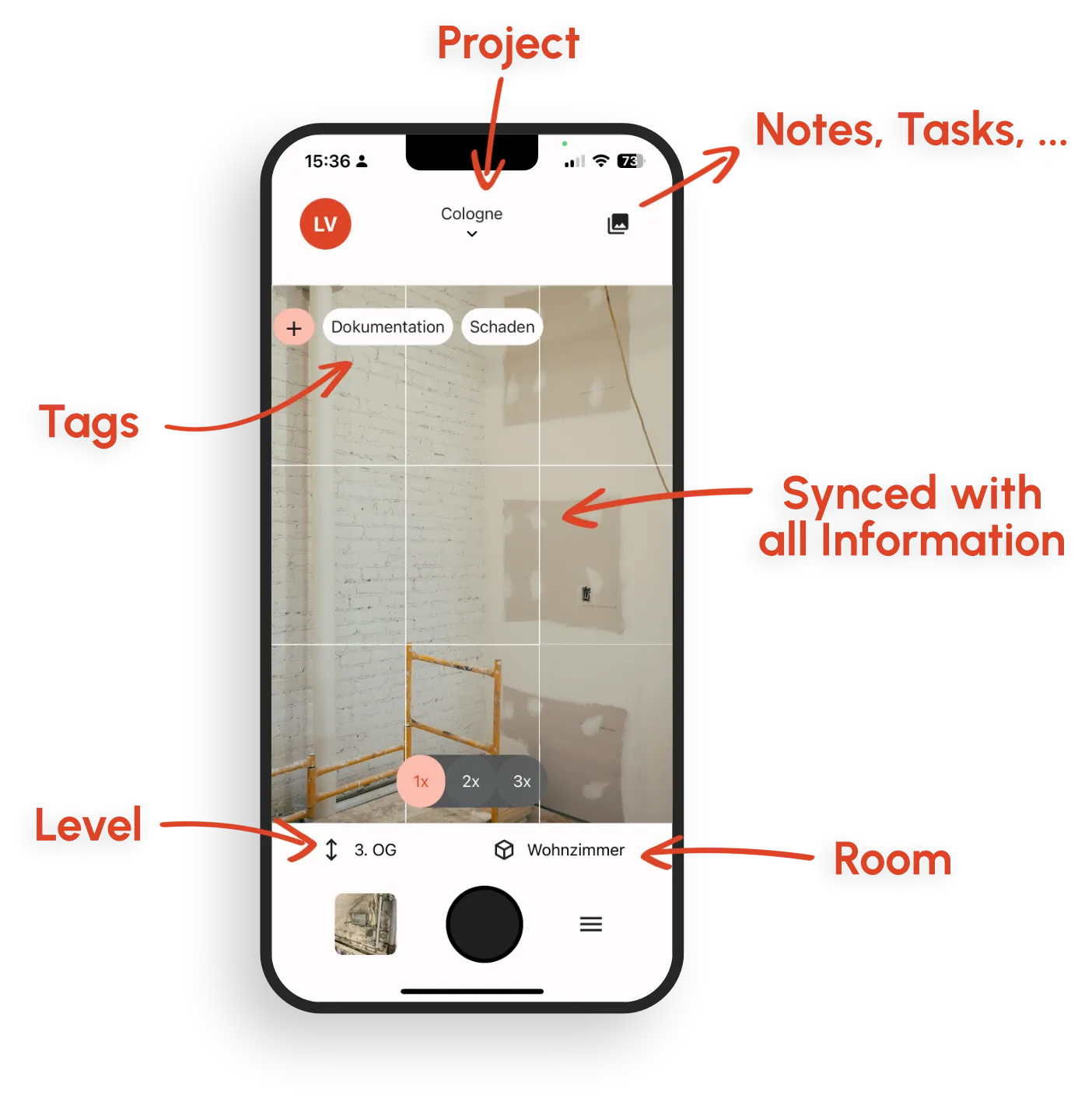
What kontekst records for ongoing site documentation
Notes, photos, defects, and tasks in one place. You filter photos by room, date, and tag, and everything else is linked to them.
Notes on what happens on site
Record what happened today as a note, in the moment rather than in the evening. kontekst does not replace a formal construction diary with weather, attendance, and signatures.
Photos with room context
Date, person, and room are saved with each photo. Photos are located on the plan or assigned to a room. For pure image storage and plan locating, see photo documentation as a complementary workflow.
Notes that link everything together
Free text for agreements, meetings, and follow-ups, with directly linked photos, tasks, and defects. What belongs together stays in one place, instead of scattered across chats, emails, and folders.
Tasks and defects, created with context
For an open item, create a task or a defect with assignee, priority, and due date. Link photos and notes to it, so the context is at hand when someone works on it.
Chronological, traceable history
Photos with date, person, and room, plus linked notes and defects. The record keeps growing and stays traceable even years later.
Filter by room, plan, and date
Filter photos by room, storey, date, or person, or open them on the plan. Links take you straight to notes and defects from the same area.
Tags
Tag photos with trade or company, combinable with room and date filters. No scrolling through chats or folders.
Offline capture on site
Document on site in the app, even without a signal. Data syncs automatically once a connection is back.
What a continuous site timeline delivers
Less rework, fewer follow-up questions, solid evidence for everyone involved.
Less Friday reporting
What happened during the week is already in notes, photos, and defects. Your report no longer needs to be pieced together from chats.
Find entries quickly
Photos are at hand, filtered by room, date, and tag, with linked notes and defects right next to them. You find the February photo from room 2.03 directly, instead of digging through chats or folders.
Teams and colleagues stay in the loop
Anyone working on the same project sees the team's notes, photos, and defects. New team members and colleagues from other teams find the context themselves.
Reliable handover and warranty
Traceable months or years later: which photos, notes, and defects exist for a room, as a basis for handover and disputes.
Where ongoing site documentation makes a difference day to day
Three situations where a continuous timeline changes the outcome.
Morning walk and ongoing progress
Note open items, locate photos directly on the plan, create defects right away. Documentation happens along the way, not at the desk in the evening.
Late questions about a room or build phase
"What did room 2.03 look like before plastering?" The answer is in the project record: photos filtered by room and date, with linked notes right there. Quick to find, even months later.
Handover and disputes months later
Handover, warranty, claim: photos with date, person, and room, linked notes and defects, even months after the project ends.
Construction diary, photo documentation, defect management: which is which?
Three adjacent jobs, three different purposes. What matters on this page is the running project record.
Ongoing site documentation
What happens on site: notes, photos, and defects as a running project record. You keep the formal diary with weather, attendance, and signatures separately.
Photo documentation
Where exactly did this happen? Locate photos on the plan, assign them to rooms, find them again months later. Complements ongoing documentation as its own workflow.
Defect management
What needs to be fixed, and is it provably done? Defects with assignee, priority, and due date. You link photos and notes to the defect.
Frequently Asked Questions
What goes into a digital construction diary, and what does kontekst cover?
How is a construction diary different from photo documentation?
When do I also need defect management?
Can I generate daily or weekly site reports from this?
How does this work offline on site?
What does kontekst cost for ongoing site documentation?
Ready for site documentation that carries your project?
Document the next site day in a timeline that still holds up months later. From the morning walk to warranty.