More on the blog: Defect Management with Context: Linking, Not Searching
New Features
Defects and Tasks
Create defects and tasks and link them with photos, notes and comments. A photo can belong to several defects without being copied and stays findable through the photo filters. From a defect you go straight to its photos, and back.Views: Kanban Board and List
Switch between a Kanban board and a list view. Custom views let you choose which statuses are visible. You can set up several views per project.Rich Text Descriptions
Describe defects and tasks in detail in the built-in editor, for example with the expected result. Links to photos and notes are supported.Defects and Tasks in the App
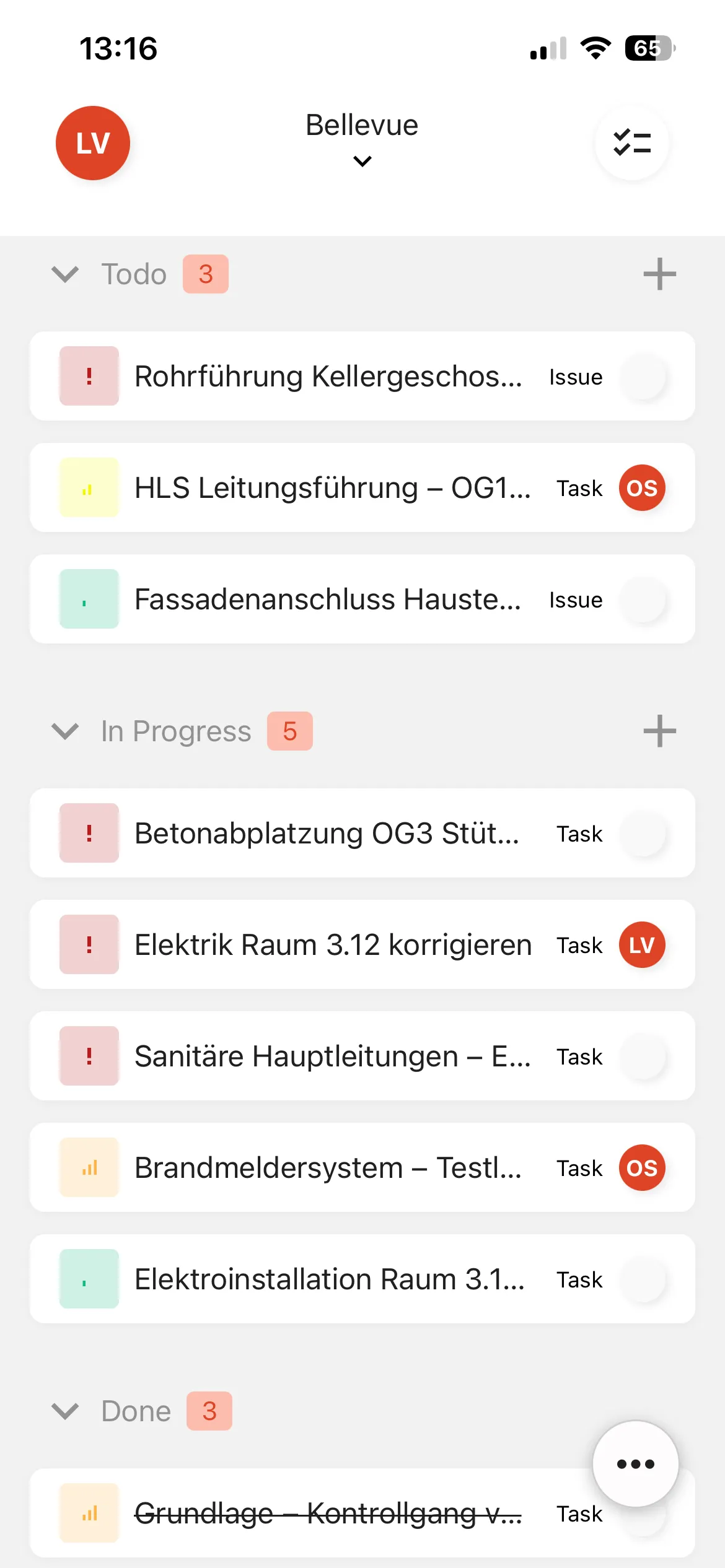
Create defects on site in the kontekst lens app and link photos to them. Status, priority and assignee can be edited on mobile too.
Improvements
Show and Hide Password (App)
Password fields now have a show/hide toggle.Direct Links (Web)
Share direct links to defects, tasks and photos. They open for members of your organization.
Bugfixes
- Deleting Images
Images can be deleted again.