
Digital Construction Diary: How Modern Site Documentation Works
Digital Construction Diary: How Modern Site Documentation Works
When a project wraps up and everyone’s looking for “that one photo,” it’s rarely a camera problem—it’s missing context. Photos, notes, and protocols end up scattered across chats, folders, or isolated solutions. The result: more search time, more uncertainty, more risk.
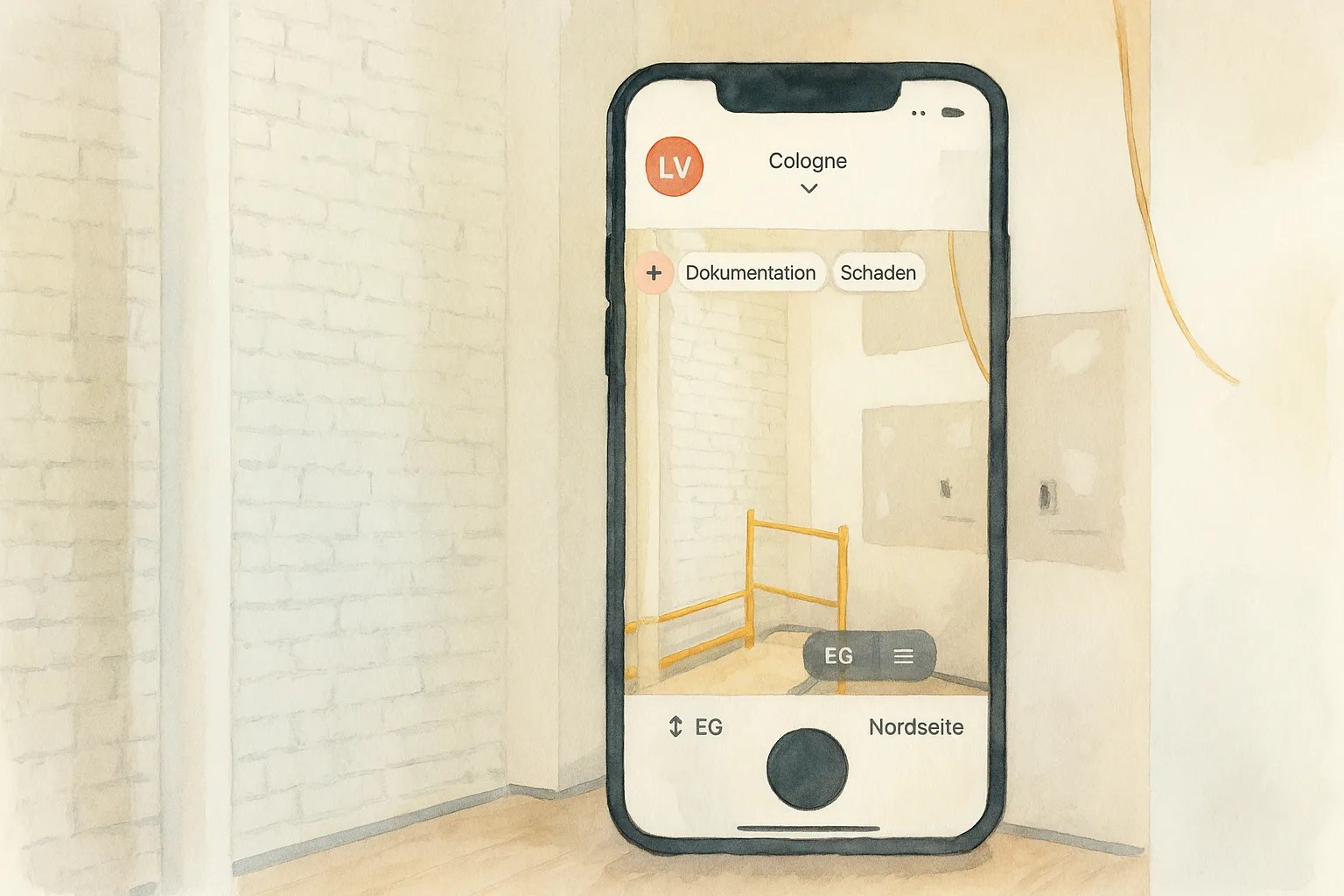
With kontekst, you connect photo documentation, construction diary, and free-form notes in one flexible system. Find content in seconds and maintain an unbroken chronology linking office and site. Result: less daily stress, more security in disputes, and peace of mind knowing everything is findable.
Why Traditional Photo Documentation Falls Short
- No structure means no context: Where was the photo taken? Which floor, room, or trade?
- Folder and file names are error-prone: Individual structures, duplicates, version chaos, poor searchability.
- Chats and private clouds fragment information flow: Important images and notes aren’t team-friendly or findable later.
- Evidence crumbles: Without timestamps, author, location, and context, nothing can be properly documented.
Bottom line: Photos alone don’t solve the problem. What matters is how information connects—so you can find it and act on it.
The Construction Diary’s Role and Limitations
A construction diary provides the framework: weather, personnel, equipment, incidents, progress. In practice, however, it often exists separately from photo documentation or other evidence, creating duplicate data entry, media breaks, and extra work.
Many construction diary apps fail here too: they’re locked into this rigid framework and don’t allow for other use cases. Photos become unsearchable later, or you have to fill out a defect form for every image.
A modern system brings it all together: daily events, images, tasks, defects, protocols—linked by location, time, participants, and topic. This creates a complete, coherent picture of the site.
The Key: Context, Structure, and Team Collaboration
A photo of a defect is only valuable if you immediately see:
- where it was taken (building → floor → room/zone),
- when and by whom,
- which building component or trade it relates to,
- what notes, tasks, or deadlines are attached.
Only this combination makes information actionable: you find things faster, decide with confidence, and can document processes reliably.
How kontekst Solves This
- Flexible structure instead of rigid folders: organize by project, building, floor, room, component, or via tags like trade, status, company. Adapt the structure to your reality.
- Everything linked: photos, free notes, diary entries, tasks, and defects logically connect. Jump from photo to issue and back.
- Find instead of search: filter by date, location, trade, company, status, author, or keyword. The chronology shows you what happened, where, and when.
- Real-time team collaboration: site management, architects, and subcontractors work from the same source—mobile on-site, comfortable in the office.
- Reports on demand: generate diaries, photo reports, or protocols directly from structured data.
- Offline and secure: document safely on-site, sync over the network; data processing only in the EU.
Flexibility and Future-Proof Design
New software is an investment in the future—one that should pay off. That’s why future-proofing collected data matters. We also take data privacy seriously: data stored in the EU on sovereign infrastructure.
Why kontekst over other tools? Three points make the difference:
- More flexibility, not rigid forms: Other systems lock you into fixed schemas. With kontekst, structure adapts to your project—buildings, floors, rooms, components, tags—however you work.
- Find, don’t search: In many tools, info gets buried in folders, defect lists, or chat history. With kontekst, you rediscover photos and notes via filters (location, time, trade, company, status, author) in seconds.
- True, continuous chronology: Often, free notes disappear in separate apps or stay disconnected. With kontekst, photos, diary entries, and notes flow into one shared, traceable chronology.
Real-World Example
Sabine, a site manager at an architecture firm, needs to trace a defect from interior finishing reported three months ago. Previously: half a day searching folders, emails, chats. With kontekst, she filters by project, Building B, 2nd floor, interior finishing. The right photo appears with timestamp, author, associated note, and task. At the same time, she can quickly find the room’s condition from the initial documentation using the time filter and investigate the root cause.
Result: hours saved, less miscommunication, better evidence—and noticeably less daily stress.
Conclusion
Digital construction documentation is more than photos. It’s about context, structure, and teamwork. And the confidence to refind information in seconds. When you bring construction diary, photo documentation, and free notes together in one flexible chronology, you save time, reduce risk, and make better decisions. The payoff is both measurable (time, costs) and tangible: less stress, more clarity, and real peace of mind on every project.
Next steps: